Table of Contents
新增位置
如果你的教會在多個地點聚會,你可以將其他地點添加到你的教會簡介中。

Updated
by Zizoh Anto
Table of Contents
如果你的教會聚會地點不只一個,你可以將聚會地點加入到你的個人資料中。
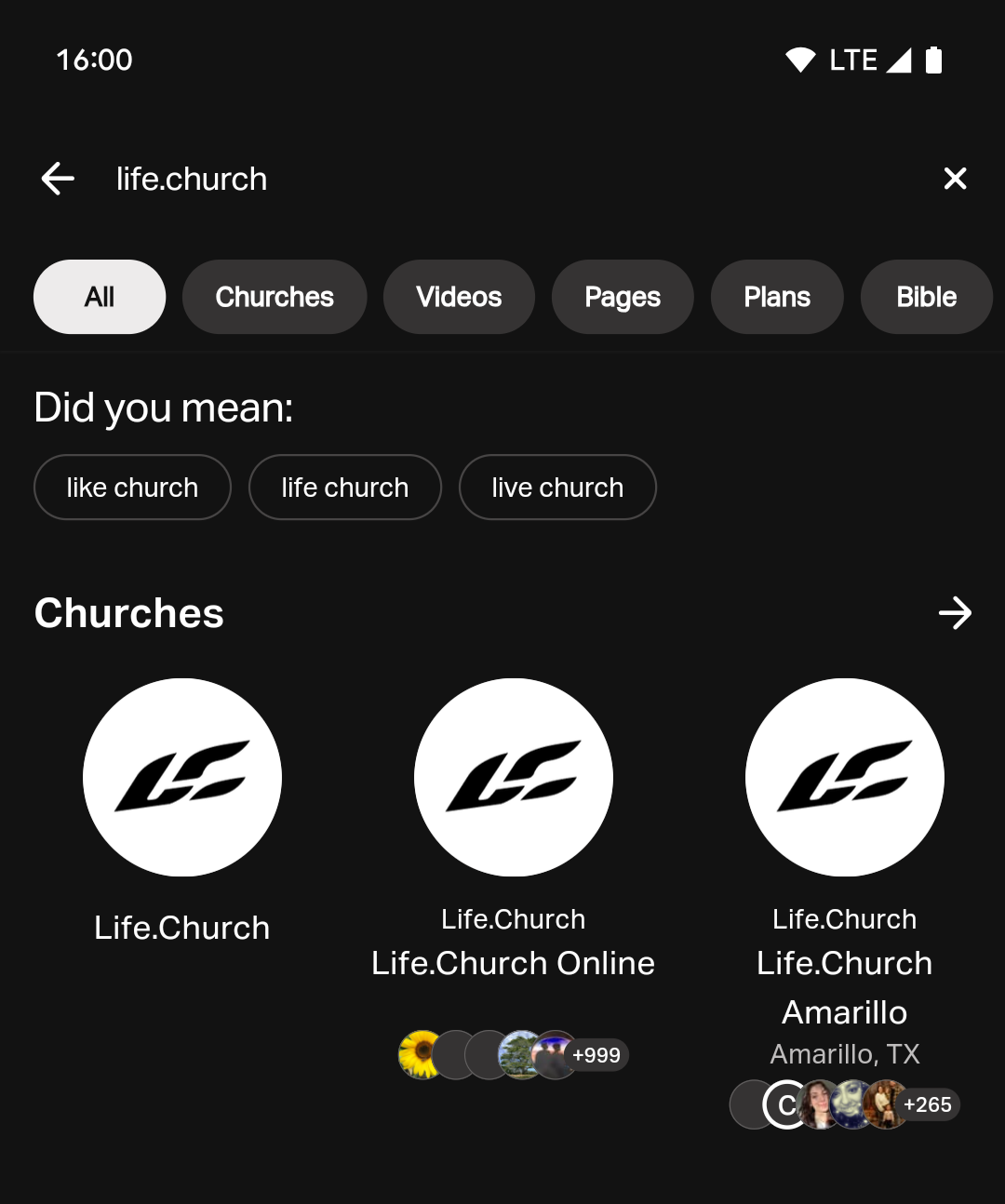
如果你尚未在't 個人資料中新增其他教會地點,那麼在應用程式中搜尋你的教會時,搜尋結果只會顯示你參加的初始教會。 如果新增地點,則初始教會和新地點都會出現在搜尋結果中。 為避免重複輸入,請勿為初始教會新增地點。 你可以透過隱藏其地址 來將初始教會與其他地點區分開來。
如何新增教會地點
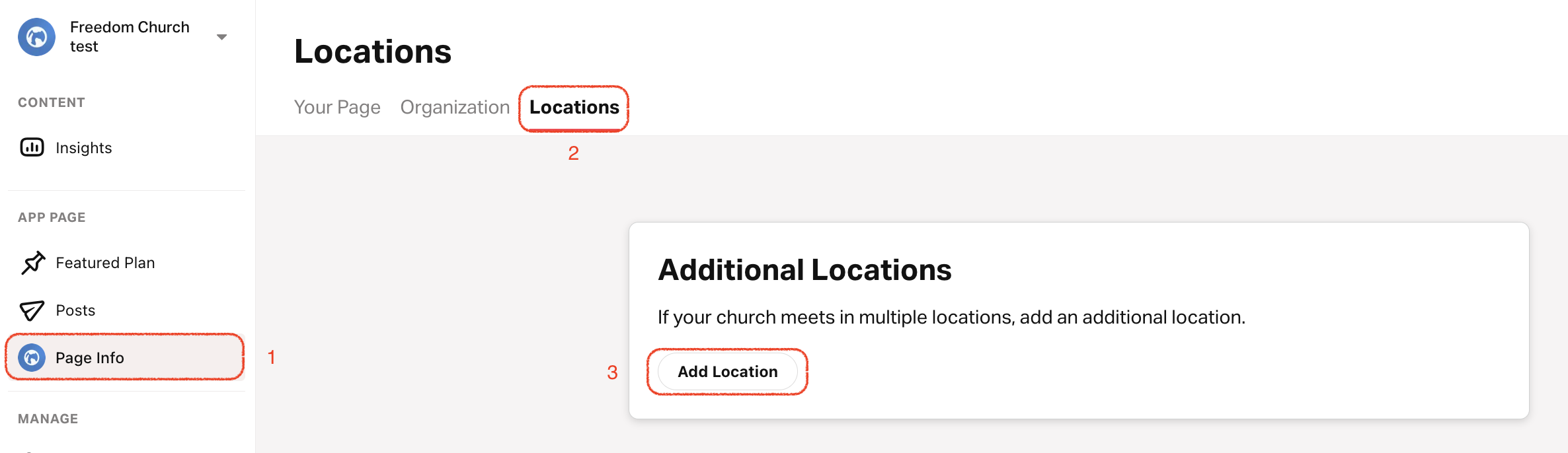
- 點選 「個人資料」 標籤。
- 從頂部選單中選擇 位置。
- 捲動到底部並點擊 新增位置。
- 輸入地點名稱。
- 上傳自訂位置圖標並選擇背景顏色。如果沒有自訂位置圖標或背景顏色,應用程式將預設使用你教會的主要圖標和顏色。
- 新增地址並選擇時區。
- 新增地點負責人的'姓名、職稱和自訂圖片。
- 並簡單描述這個地點。
- 非強制: 新增此地點的'網站、電話和電子郵件。
- 選擇此位置的主要語言。
- 為該地點 新增日程安排。
顯示/隱藏初始教會地址
- 點選 「個人資料」 標籤。
- 選擇 你的頁面。
- 右上角: 點選 鉛筆圖示。
- 向下捲動至 「地址」部分,選取或取消選取「在公共頁面上顯示地址」以顯示或隱藏地址。
How did we do?
教會:新增時間表
編輯/移除教會地點
