Table of Contents
添加地点
如果你的教会在多个地点聚会,你可以将其他地点也添加到你的教会简介中。

Updated
by Zizoh Anto
Table of Contents
如果你的教会在多个地点聚会,你可以在个人资料中添加这些地点。
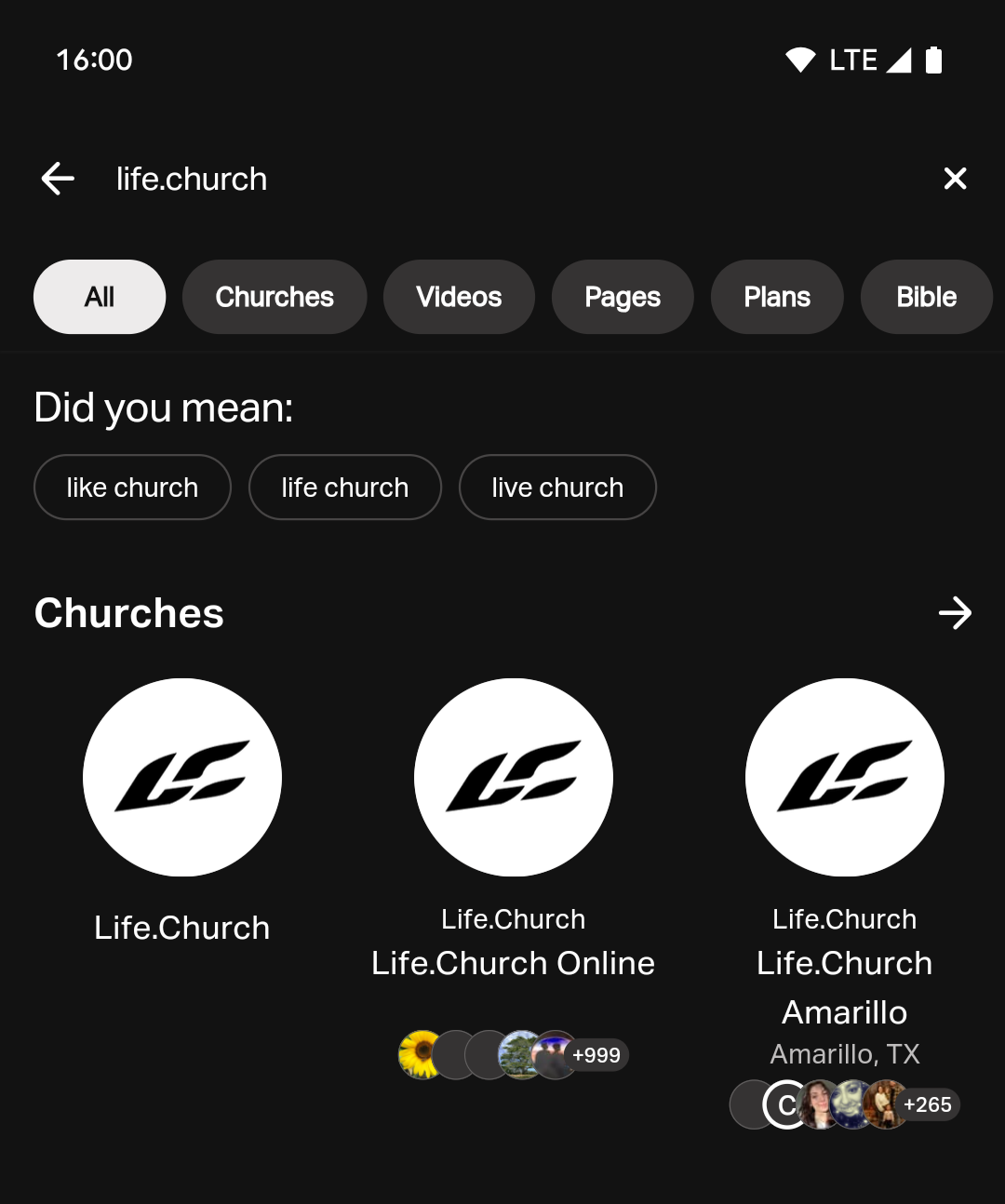
如果你尚未在个人资料中添加其他教会地点,当在应用中搜索你的教会时,搜索结果中只会显示'母机构。 如果你添加新地点,搜索结果中将同时显示母机构和新地点。 为避免重复条目,请勿为母机构添加新地点。 你可以通过 隐藏其地址来区分母机构与其他地点。
如何添加教会地点
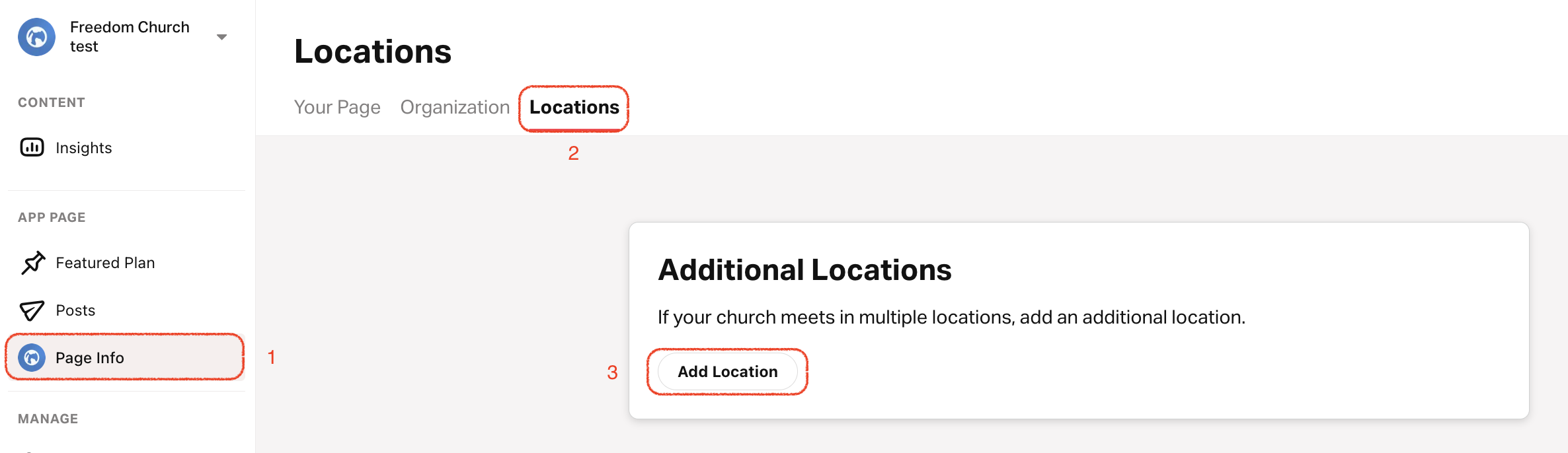
- 点击 个人资料 标签。
- 在顶部菜单中选择 地点 。
- 滚动到底部并点击 添加地点。
- 输入地点名称。
- 上传自定义地点徽标并选择背景颜色。如果没有自定义地点徽标或背景颜色,应用将默认使用你的主要教会徽标和颜色。
- 添加实际聚会地址并选择时区。
- 添加地点负责人'的姓名、职位和自定义图片。
- 撰写该地点的简短描述。
- 可选: 添加该地点专属的网站、电话和电子邮件'。
- 选择该地点的主要语言。
- 添加该地点的时间表 。
显示/隐藏母机构地址
- 点击 个人资料 标签。
- 选择 你的页面。
- 右上角: 点击铅笔图标。
- 向下滚动到 地址 部分,选择或取消选择 在公开页面上显示地址 以显示或隐藏地址。
How did we do?
教会:添加日程安排
编辑/删除教会位置
